More resolution is not always better. For many creators, the real question is how resolution, pixel density, performance, screen size and cost work together.
When shopping for a pen display, it is easy to assume that more resolution automatically means a better creative experience.
Full HD is entry-level.
2.5K is better.
4K must be better still.
On a product page, the logic seems obvious.
But digital artists do not create on specification sheets. They work with their hands, their eyes, their software, and their computers. A display that looks impressive on paper is not necessarily the display that feels best during a six-hour drawing session.
For many creators, the more useful question is:
What level of resolution gives me enough detail without adding cost, system demands, or physical size that I may not actually need?
This is where 2.5K becomes interesting.
It is not the highest resolution available, nor is it intended to replace every 4K professional display. But for a large range of digital art workflows, 2.5K can offer a practical middle ground between image detail, pixel density, performance, portability and price.
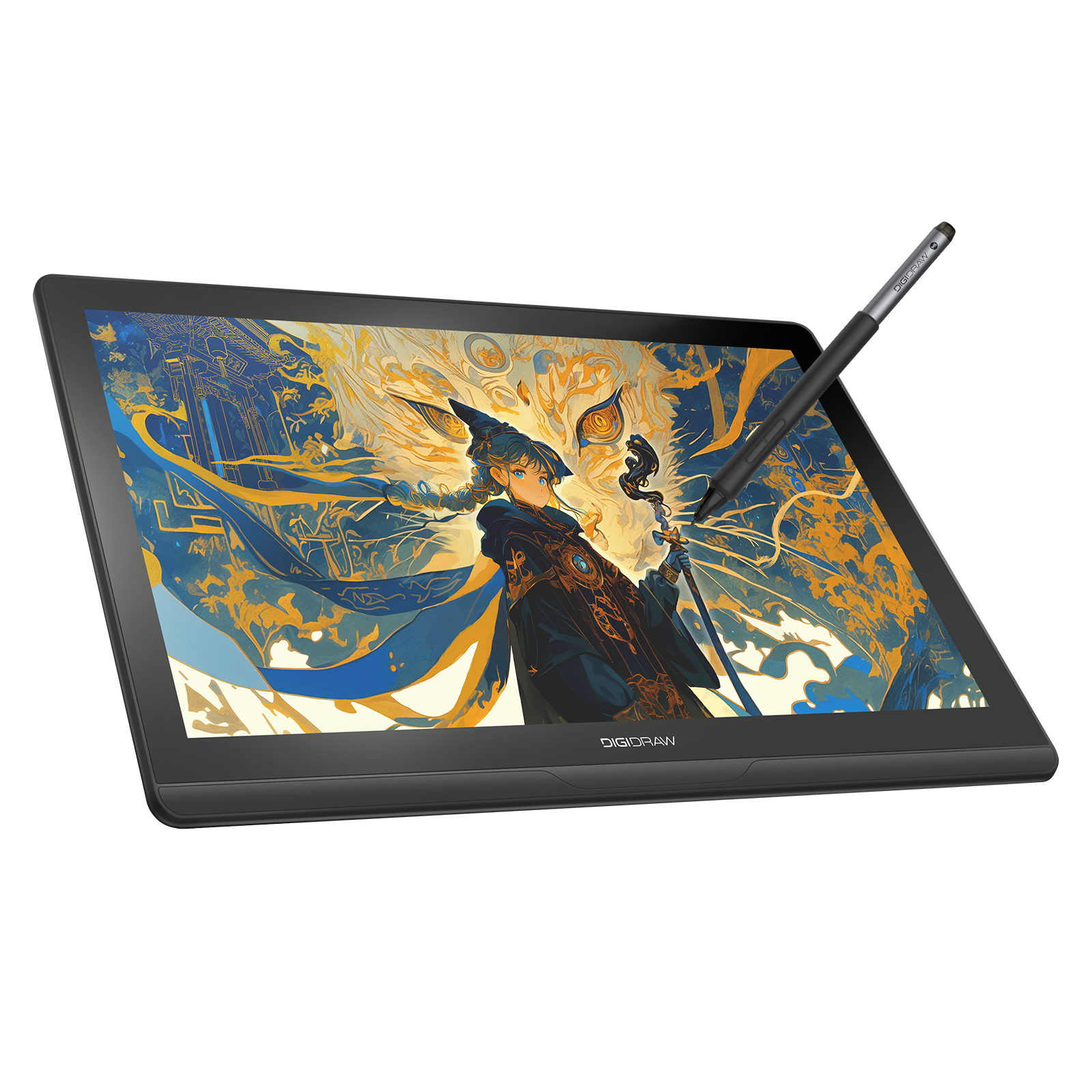
The DIGIDRAW Turing 14 2.5K, or D1401, is a useful example of this approach.
Resolution Is Only One Part of Image Quality
The first thing to understand is that resolution and image quality are related, but they are not the same thing.
A 2560 × 1600 display contains about 4.1 million pixels.
A 3840 × 2160 4K display contains about 8.3 million pixels.
So yes, a 4K display contains roughly twice as many pixels.
But that does not mean every creator will see twice the benefit.
What you actually see depends on several factors:
- Screen size
- Pixel density
- Viewing distance
- Software scaling
- Type of work
- Level of detail in the artwork
A 4K display can be extremely useful when working on a large screen or viewing highly detailed content at close range. But on a smaller pen display used from a normal drawing distance, the practical difference may be less dramatic than the numbers suggest.
This is why PPI matters.
PPI Changes the Conversation
PPI, or Pixels Per Inch, describes how densely those pixels are packed.
Imagine using the same number of tiles to cover two different floors.
On the smaller floor, the tiles are packed closely together.
On the larger floor, they are spread farther apart.
The number of tiles has not changed, but the surface looks different.
Displays work in much the same way.
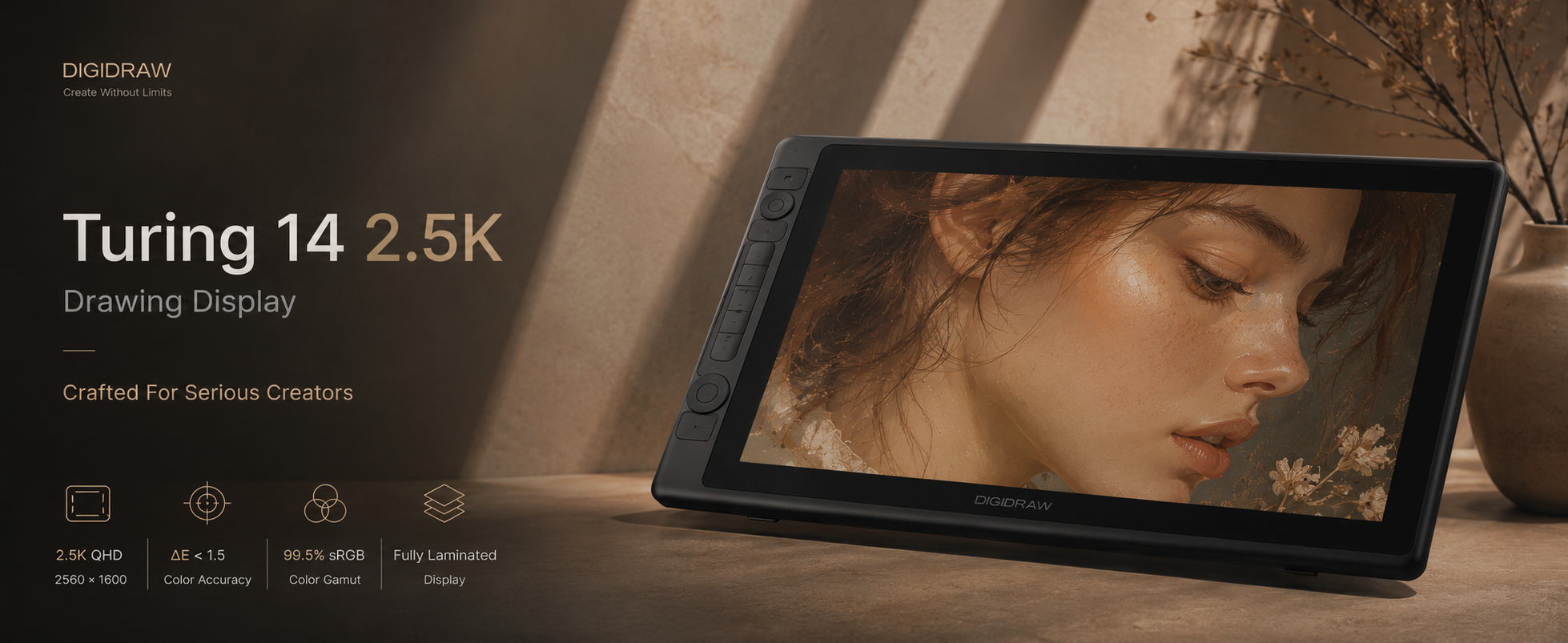
The DIGIDRAW D1401 uses a 13.3-inch display with a 2560 × 1600 resolution and 226 PPI.
That combination is important.
The display is not simply “2.5K.” Its relatively high pixel density helps keep fine lines, small details and text looking sharp on a compact screen.
For artists working on:
- Manga and comic line art
- Character details
- Typography
- Product design
- Photo retouching
- Fine digital painting
high pixel density can be more meaningful than simply chasing a larger resolution number.
The 16:10 Advantage Is Easy to Overlook
Resolution is not the only interesting part of the D1401’s display.
It uses a 2560 × 1600 resolution with a 16:10 aspect ratio.
Most people are familiar with 16:9 screens, so the difference may seem minor.
In practice, the additional vertical space can be useful for creative software.
When working in Photoshop, Clip Studio Paint, Blender or similar applications, part of the screen is occupied by:
- Toolbars
- Panels
- Layers
- Timelines
- Property windows
A slightly taller canvas can give the artwork more room without making the display significantly wider.
For an illustrator working on a vertical character composition, a little extra height can also make the canvas feel more natural.
It is a small specification, but this is exactly the kind of detail that gets lost when people compare products only by resolution.
What About GPU Load?
There is another reason 2.5K can make sense: the number of pixels affects how much visual data a computer has to process.
A 2.5K-class 2560 × 1600 display contains about half as many pixels as a 4K UHD display.
For everyday 2D illustration, the difference may not be dramatic on a modern computer.
But creative workloads are not always simple.
A creator may be working with:
- Large Photoshop documents
- Multiple high-resolution reference images
- Complex brushes
- Animation previews
- 3D scenes
- Texture-heavy projects
- Multiple monitors
Higher display resolution can increase the amount of graphical data being handled, particularly when the workload is already demanding.
This does not mean that 4K is “too demanding” or that 2.5K is inherently faster. It simply means that resolution is one more variable in the overall performance equation.
For creators using laptops or mid-range systems, that balance can matter.
The Screen Size Question: How Much Resolution Do You Actually Need?
This is where the idea of a “sweet spot” becomes more useful.
A 4K panel makes more obvious sense as the physical display gets larger.
On a 27-inch or larger screen, additional pixels can provide a meaningful increase in visible detail and workspace.
But a 13.3-inch pen display has a different job.
You are sitting relatively close to it.
Your eyes are focused directly on the artwork.
At this size, very high pixel density can already produce a sharp, detailed image without requiring the same pixel count as a much larger monitor.
That is the basic idea behind the D1401:
Instead of maximizing resolution, it balances resolution with screen size and portability.
Professional Color Does Not Depend on 4K
Another common assumption is that a high-end creative display must have the highest possible resolution.
Professional image work tells a more complicated story.
For photographers, designers and illustrators, color can matter as much as resolution — sometimes more.
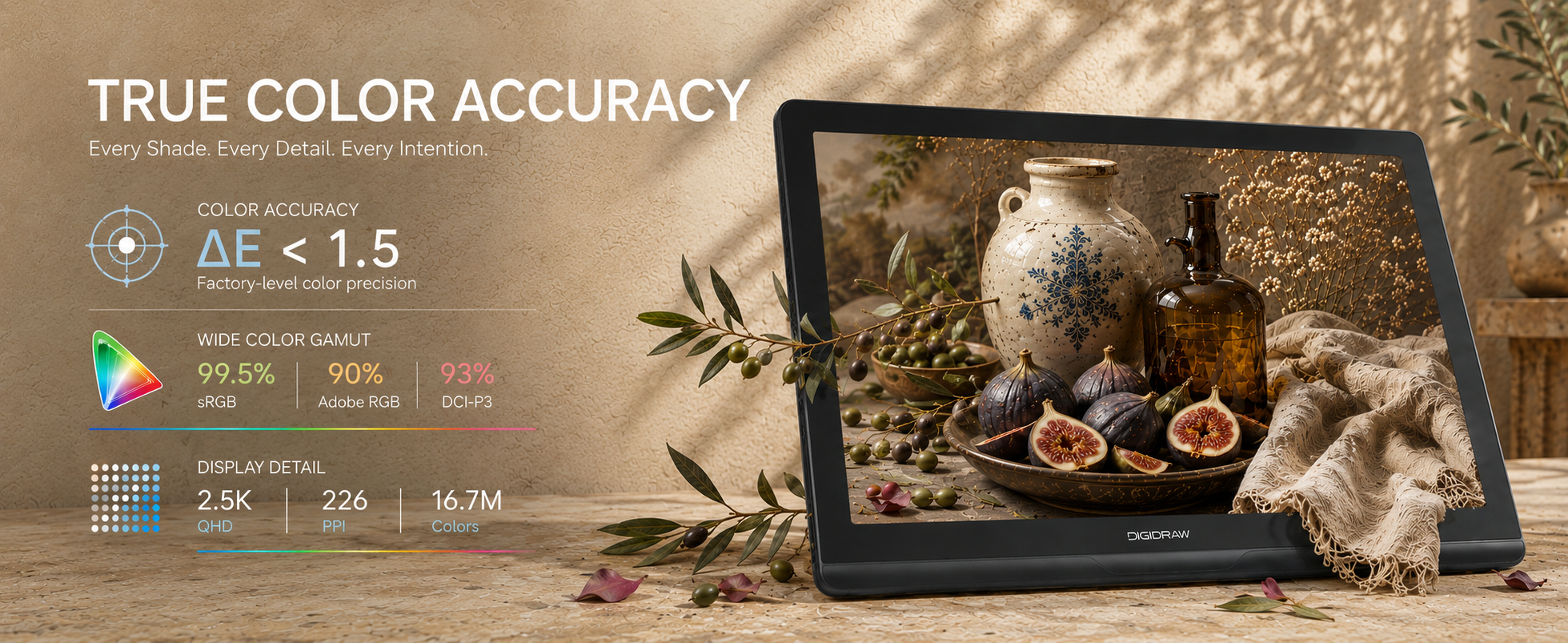
The D1401 combines its 2560 × 1600 display with 99.5% sRGB, 90% Adobe RGB and 93% DCI-P3 coverage, along with an average Delta E below 1.5 according to the supplied product specifications.
These numbers address a different part of the creative experience.
Resolution determines how much visual detail the panel can display.
Color gamut determines the range of colors it can reproduce.
Delta E indicates how closely those displayed colors correspond to the intended reference.
A highly detailed image is useful.
A highly detailed image with unreliable color is a different problem.
For someone editing a photograph in Photoshop or preparing artwork for commercial use, the combination of resolution and color performance can be more valuable than simply moving from 2.5K to 4K.
What About 60Hz?
The D1401 uses a 60Hz IPS display.
That is worth mentioning because refresh rate has become a major talking point in consumer electronics.
For animation, motion design, gaming or extremely fast brush workflows, higher refresh rates can provide smoother visual motion.
But refresh rate is not the only thing that determines drawing responsiveness.
Pen technology, report rate, driver performance, display response and the entire input pipeline also matter.
For many illustration, design and photo-editing workflows, 60Hz remains perfectly usable.
This is another example of why a product should be evaluated as a system rather than a collection of maximum numbers.
Portability Changes the Equation
One of the biggest differences between a large studio pen display and a compact professional display is not resolution.
It is where you can use it.
The D1401 measures 329 × 234 × 11.8 mm and weighs approximately 900g.
That makes portability part of its product identity.
A professional artist may work in a studio most of the time but occasionally need to:
- Work from home
- Travel with a laptop
- Move between offices
- Attend workshops
- Work from a shared studio
- Take a setup to a client meeting
A large 19-inch or 24-inch display can be excellent for a permanent workstation.
It is not necessarily the best tool for someone who moves between locations.
That is where a smaller 2.5K display can make sense.
You are not trying to recreate the biggest possible studio screen.
You are trying to create a portable professional workspace.
And Then There Is Cost
This is probably the least discussed part of the resolution debate.
Higher resolution costs money.
Larger panels cost money.
More advanced display hardware costs money.
For professional creators, paying more can make perfect sense when the additional capability directly supports the work.
For students, hobby artists or creators building a second mobile setup, however, the calculation can be different.
A balanced 2.5K display may leave more budget available for:
- A better computer
- More storage
- Creative software
- A color-managed workflow
- Accessories
- Travel equipment
The D1401 has an SRP of $369, according to the supplied product information.
That positions it as an example of a product built around balance rather than maximum specification.
Why the D1401 Makes a Useful 2.5K Case Study
Looking at the D1401 as a whole is more useful than looking at any single specification.
You get:
13.3-inch IPS display
2560 × 1600 resolution
226 PPI
16:10 aspect ratio
99.5% sRGB
90% Adobe RGB
93% DCI-P3
Average ΔE < 1.5
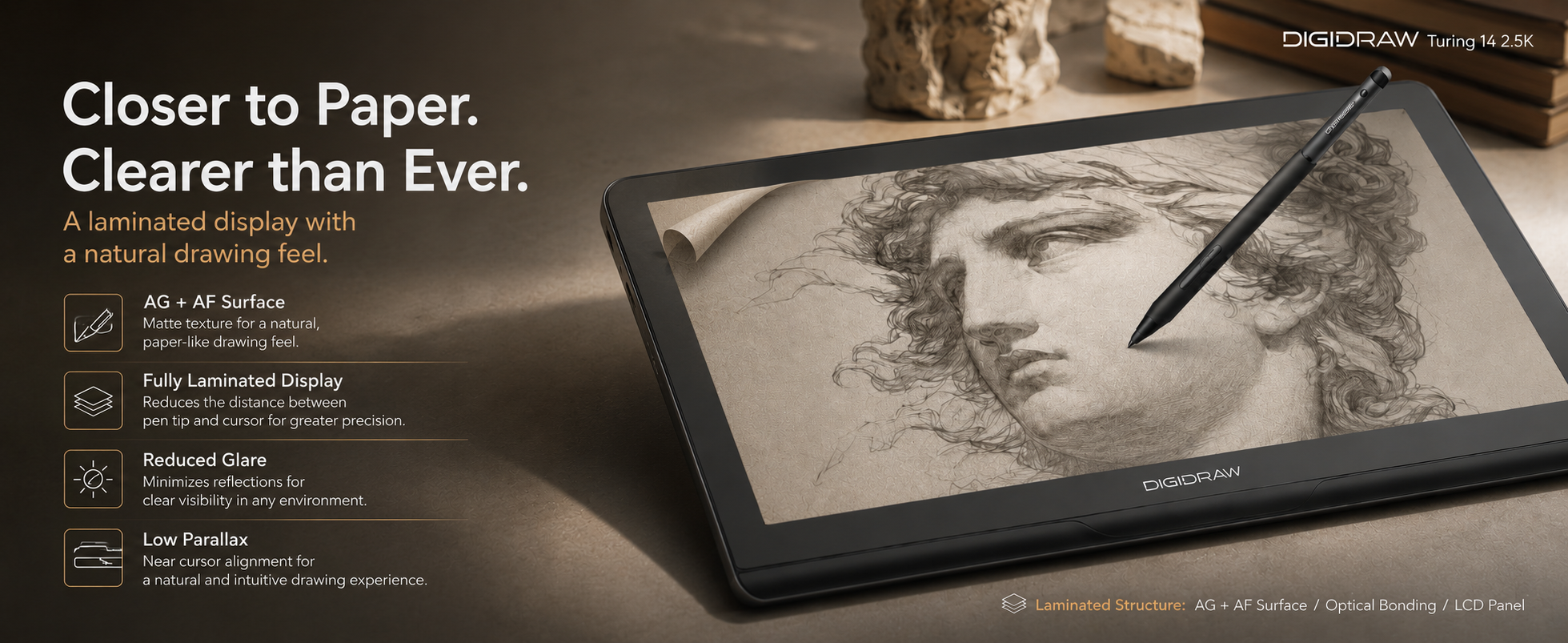
AG + AF surface
2.5K resolution
16384 pressure levels
≥240 PPS report rate
5080 LPI pen resolution
±60° tilt support
±0.3 mm center accuracy
900g device weight
And that combination tells a clearer story than any single number.
It is designed for someone who wants more than a basic drawing tablet but does not necessarily need a large permanent studio display.
That could include:
- Digital art students
- Illustrators
- Comic artists
- Designers
- Photographers
- Mobile creators
- Artists working between multiple locations
So, Is 2.5K Actually Better Than 4K?
Not automatically.
That is the important conclusion.
A 4K display makes sense for plenty of professional workflows.
Large-format displays, high-detail production, photography, video and certain 3D workflows can all benefit from additional resolution.
But “higher” and “better” are not always interchangeable.
For a smaller pen display, the decision is more nuanced.
A well-designed 2.5K display can provide:
- Strong image detail
- High pixel density
- Lower overall pixel load than 4K
- Professional color performance
- A compact physical footprint
- Greater portability
- A more accessible price
That combination is what makes 2.5K interesting.
It is not the maximum.
It may simply be the point where several priorities start working well together.
The Sweet Spot Depends on the Creator
There is no universal resolution that every artist should buy.
A studio illustrator working on a large permanent display may prefer 4K.
A photographer working with very large images may also appreciate the extra resolution.
A student, mobile creator or illustrator using a compact pen display may prefer the balance of a high-PPI 2.5K panel.
The right question is not:
“Is 2.5K better than 4K?”
It is:
“Where does additional resolution stop adding meaningful value to the way I work?”
For some creators, that point may be 2.5K.
And that is why the resolution is worth considering not as a compromise, but as a deliberate design choice.
Final Thoughts
Digital art hardware is often marketed through its biggest number.
The highest resolution.
The highest pressure level.
The widest color gamut.
But creative workflows are rarely that simple.
A good drawing device is the result of many small decisions working together:
The size of the screen.
The density of its pixels.
The quality of its color.
The responsiveness of the pen.
The weight of the device.
The software it works with.
And, ultimately, whether you can use it comfortably for the kind of work you actually do.
The D1401 is a useful example of this philosophy.
Its 2.5K resolution is not trying to win a numbers contest with every 4K display on the market. Instead, it combines resolution, 226 PPI, professional color coverage, portability and pen performance into a compact 13.3-inch creative tool.
For many digital artists, that balance may be more valuable than simply having the highest specification available.
Sometimes the sweet spot is not the maximum. It is the point where everything starts to fit together.
https://www.digidraw.com/
Turing Creative Technology (Shenzhen) Co., Ltd.